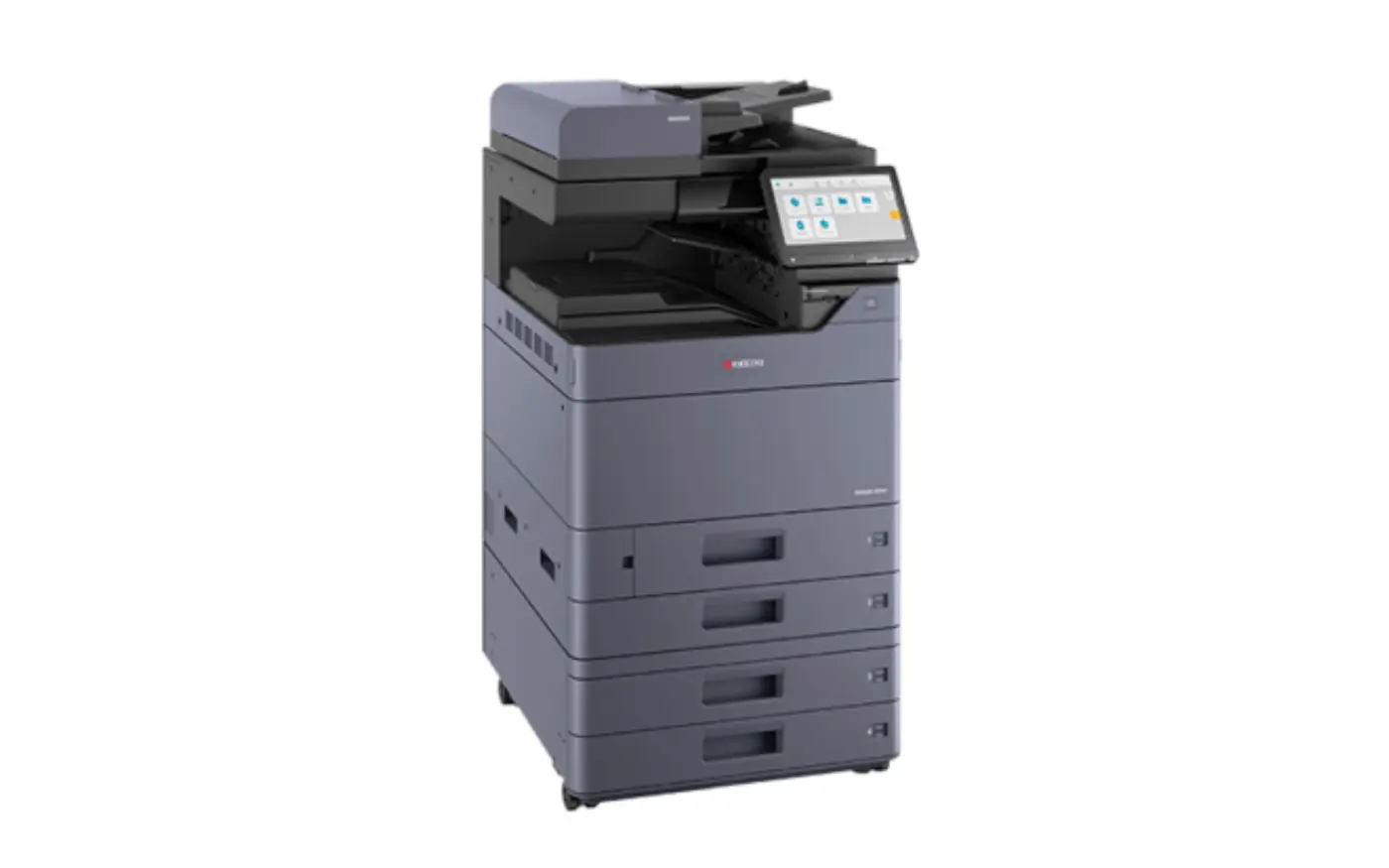
The short answer: Both Kyocera and Konica Minolta are worth considering for business printing. The right choice depends on the specific models, your monthly print volumes, colour requirements, scanning workflows and support agreement. Compare equivalent configurations and the total cost over the same period before deciding.
Replacing an office copier often starts with a brand comparison. But two printers with similar headline speeds can deliver quite different experiences once your team starts printing proposals, scanning invoices or producing large document sets.
KMBE supplies Kyocera and Konica Minolta print solutions. That means we can help you compare suitable options from both ranges against the way your business works.
Start with what your team needs to do
Before looking at models, gather a recent usage report or meter readings. Separate black-and-white from colour output, note how often you print A3, and identify the busiest periods. A quiet monthly average can hide a demanding end-of-month workload.
Then list the tasks that slow people down. Is it waiting for the first page, scanning double-sided contracts, changing paper or collecting confidential documents? Those details help determine whether you need a desktop printer, a shared A3 multifunction device or a combination.
Kyocera and Konica Minolta: what should you compare?
| Decision area | What to check on both shortlisted models |
|---|---|
| Print workload | Recommended monthly volume, peak demand, first-page time and performance on your typical jobs. |
| Colour and media | Output from your own files, supported paper sizes and weights, duplex limits and finishing options. |
| Scanning | Feeder capacity, two-sided scanning, searchable PDF options and delivery to your required destinations. |
| Security | User authentication, secure print release, encryption options, firmware support and end-of-term data handling. |
| Running costs | Black-and-white and colour rates, minimum charges, consumables, maintenance and exclusions. |
| Support | Installation, staff training, service coverage, response arrangements and responsibility for software issues. |
When should you consider Kyocera?
Include Kyocera in your shortlist when you want to assess ongoing running costs, consumable use and the suitability of a device for regular office printing. Kyocera’s ECOSYS design uses long-life components and a toner-only replacement approach. That is a useful design consideration, but it does not establish that every Kyocera model will be cheaper than an equivalent alternative.
Ask for a quote based on your actual colour mix and volume. Confirm which components and maintenance items are included, how the device handles your paper, and what happens if your workload changes.
When should you consider Konica Minolta?
Include Konica Minolta’s bizhub range in your shortlist when you are reviewing a shared office device and how it will fit into everyday document workflows. Test the proposed model’s screen, scan destinations, print settings and any finishing options your team needs.
Bring a proposal, a spreadsheet and a scanned contract to the demonstration. Check whether staff can complete each task easily. Confirm any required applications, licences and accessories in the written quote; these can vary by configuration.
Which brand costs less to run?
There is no reliable brand-wide answer. A lower equipment payment can be offset by higher page rates or exclusions. A cheaper colour rate may offer little benefit if almost all your output is black-and-white.
Compare the same contract length and expected volume using:
Total cost = equipment payments + usage charges + required software + costs excluded from the agreement.
Check minimum volumes, price adjustments, installation, training and end-of-term charges. Make sure you understand how A3 pages and double-sided sheets are counted. If you are considering finance, explore KMBE’s printer finance options and request terms for the equipment you are comparing.
Check security and support before signing
Both manufacturers provide security guidance for their devices. The important question is which controls are available, enabled and maintained on your proposed model. Ask who will configure administrator access, apply firmware updates and manage stored information when the device leaves your business.
Then review the servicing and support arrangements. Confirm coverage for your location, how faults are reported and what the agreement promises when a device needs attention. A suitable printer also needs a support plan that fits your operations.
Frequently asked questions
Is Kyocera better than Konica Minolta?
Neither brand is the best choice for every business. Compare specific models against your workload, output quality, scanning needs, security requirements and total cost.
Which brand is better for colour printing?
Test equivalent models with your own files and usual paper. Colour quality depends on the model, settings, media and maintenance. A demonstration is more useful than choosing from a brand name alone.
Can I lease a Kyocera or Konica Minolta printer?
Ask KMBE for purchase and finance options for your shortlisted equipment. Availability, service inclusions and terms should be confirmed in your quote.
What should I send KMBE for a recommendation?
Send your location, current printer model, approximate monthly black-and-white and colour volumes, A3 requirements and the main issues you want to solve.
Get a comparison based on your business
Choosing a printer is easier when you compare equipment against real work. Talk to KMBE about your printer requirements and ask for suitable Kyocera and Konica Minolta options with clear costs and service inclusions.
Turn your shortlist into a business print plan
Compare printer leasing and payment options, or explore managed print services for ongoing equipment, consumables and support. Request a recommendation for your business.