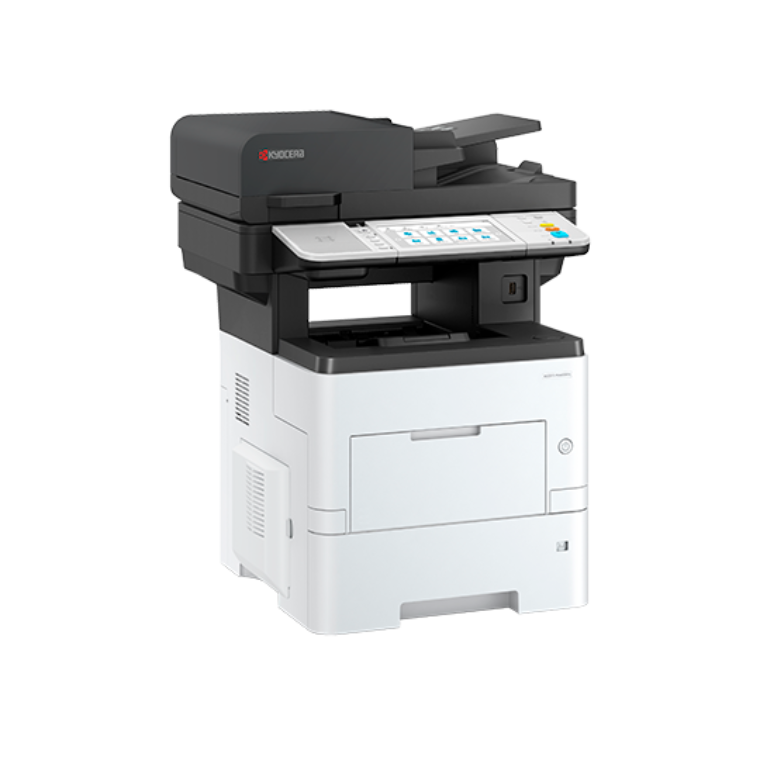
Kyocera ECOSYS MA6000ifx
- Up to 60 pages A4 per minute
- Double-sided print and copy, scan and fax
- Optional one corner semi automatic stapler
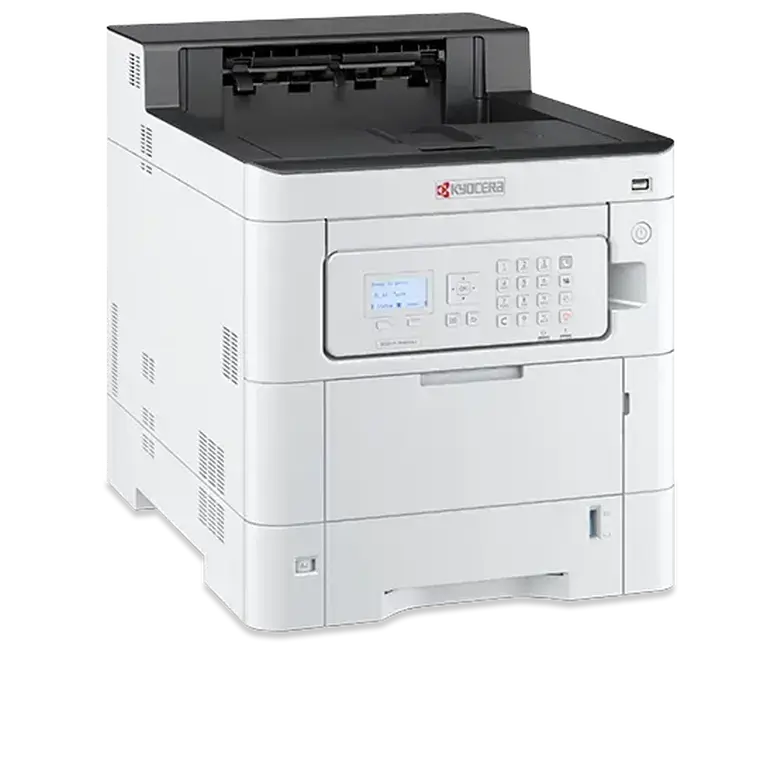
Kyocera ECOSYS PA4000cx
- Up to 40 pages per minute
- Standard double-sided print
- Low running costs
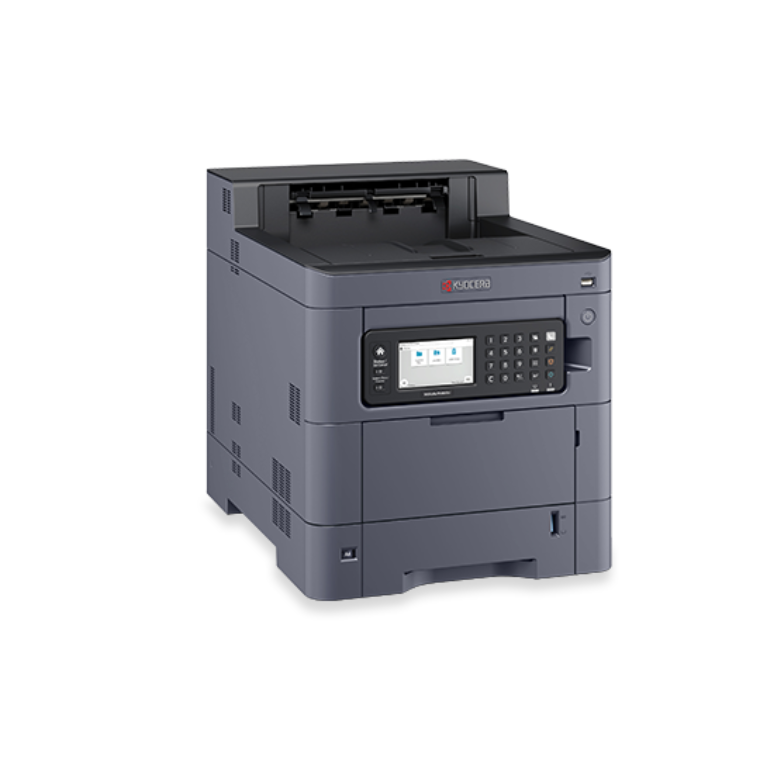
Kyocera TASKalfa PA4500ci
- Double-sided print
- Up to 45 pages A4 per minute
- 1200 x 1200 dpi

Kyocera ECOSYS PA4500cx
- A4 colour and b/w printer
- Up to 45 pages per minute
- Double-sided print as standard
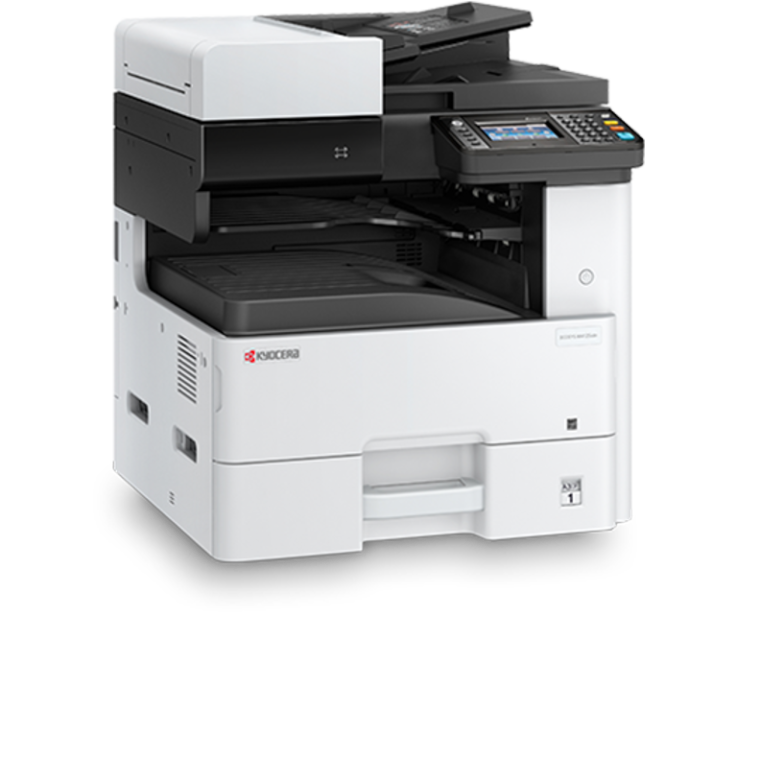
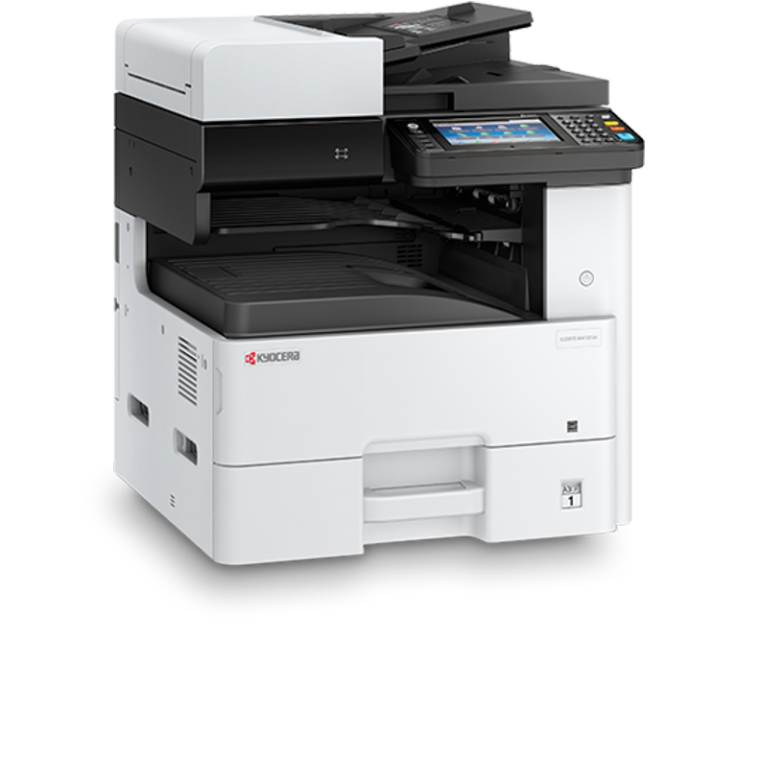
Kyocera ECOSYS M4125idn
- 25 page per minute efficiency (A4)
- Easy to use touch panel with wizard-style navigation
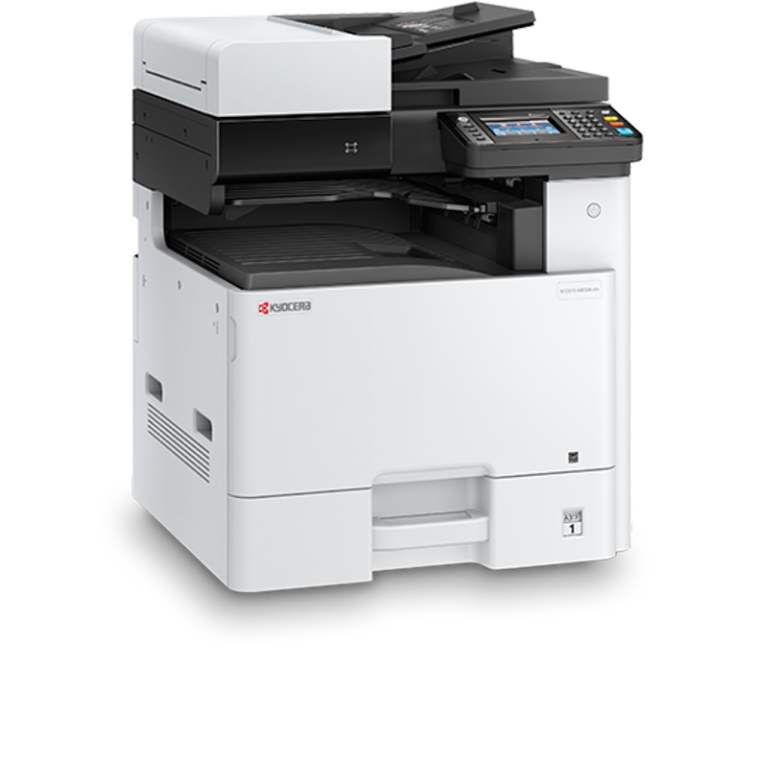
Kyocera ECOSYS M4132idn
- Easy-to-use full-colour touchscreen panel
- Long-life components provide exceptional reliability
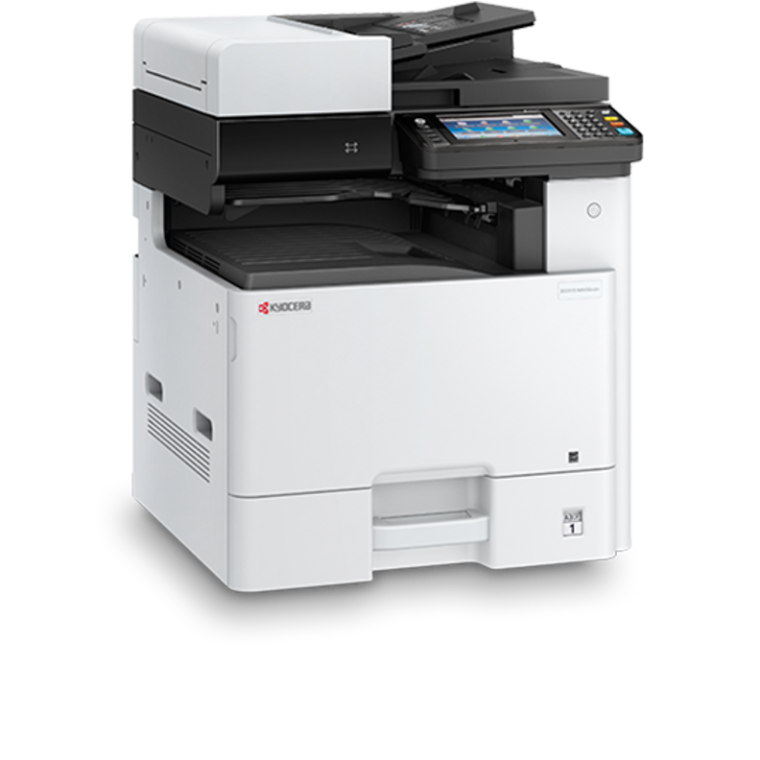
Kyocera ECOSYS M8124cidn
- Minimum installation and operation requirements
- Easy to use full colour touch panel with wizard-style navigation
- Up to 24/12 pages A4/A3 per minute in colour and b/w
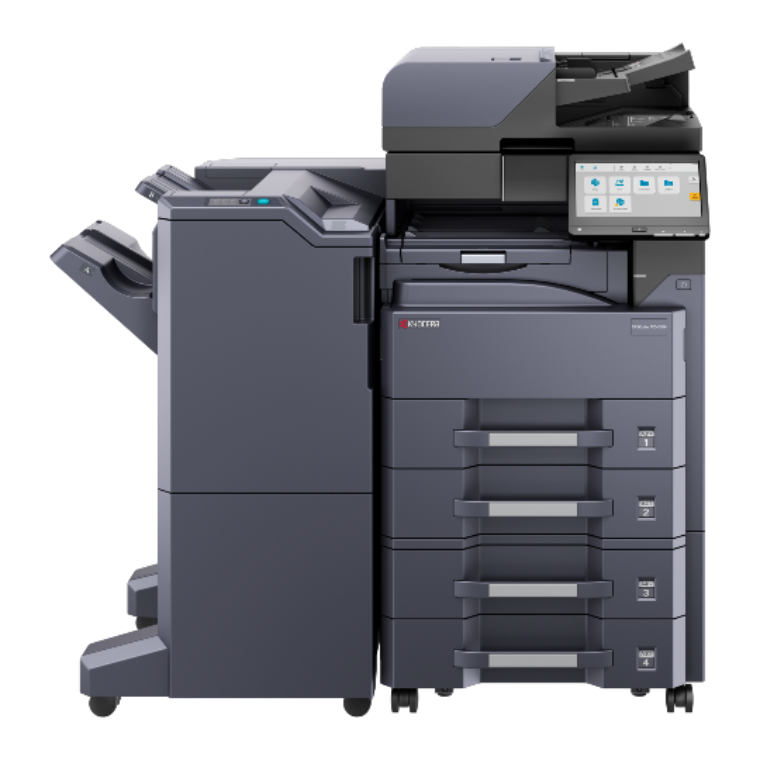
Kyocera ECOSYS M8130cidn
- Minimum installation and operation requirements
- Easy-to-use full-colour touchscreen panel
- Up to 30/15 pages A4/A3 per minute in colour and b/w
Kyocera TASKalfa MZ4000i
- Up to 40 pages per minute
- Black and white printer
- Standard 1,100-sheet capacity
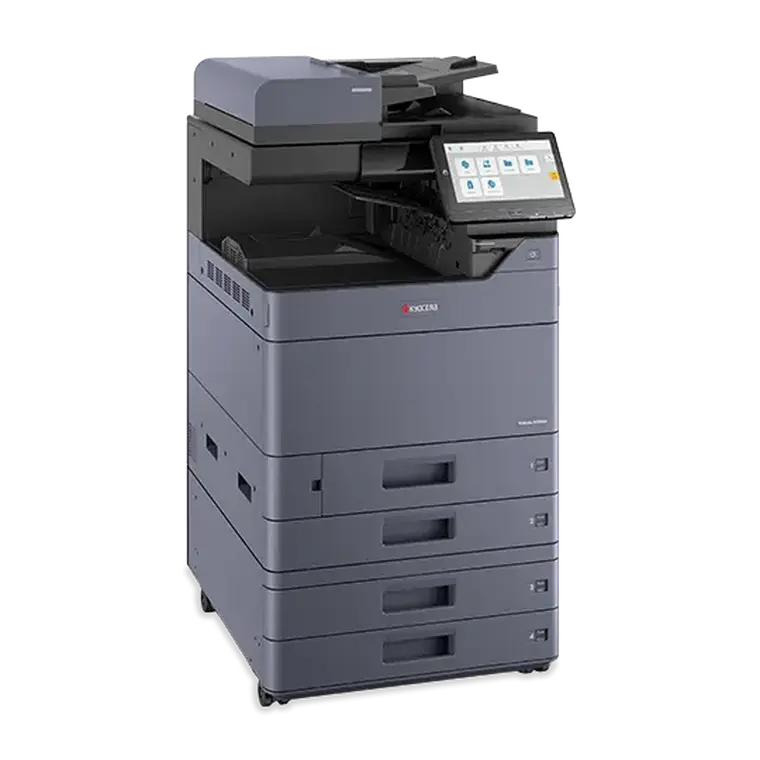
Kyocera TASKalfa MZ4001ci
- Up to 40 pages per minute
- Black and white and Colour printer
- Standard 1,100-sheet capacity

Kyocera TASKalfa MZ5001ci
- Up to 50 pages per minute
- Black and white and Colour printer
- Standard 1,100-sheet capacity
Kyocera TASKalfa MZ6001ci
- Up to 60 pages per minute
- Black and white and Colour printer
- Standard 1,100-sheet capacity